Your desktop, quietly alive.
Turn any moment from YouTube — or a video of your own — into a live wallpaper that plays in 4K and costs your Mac almost nothing.
On your phone? It’s a Mac app — open this page on your Mac to download.
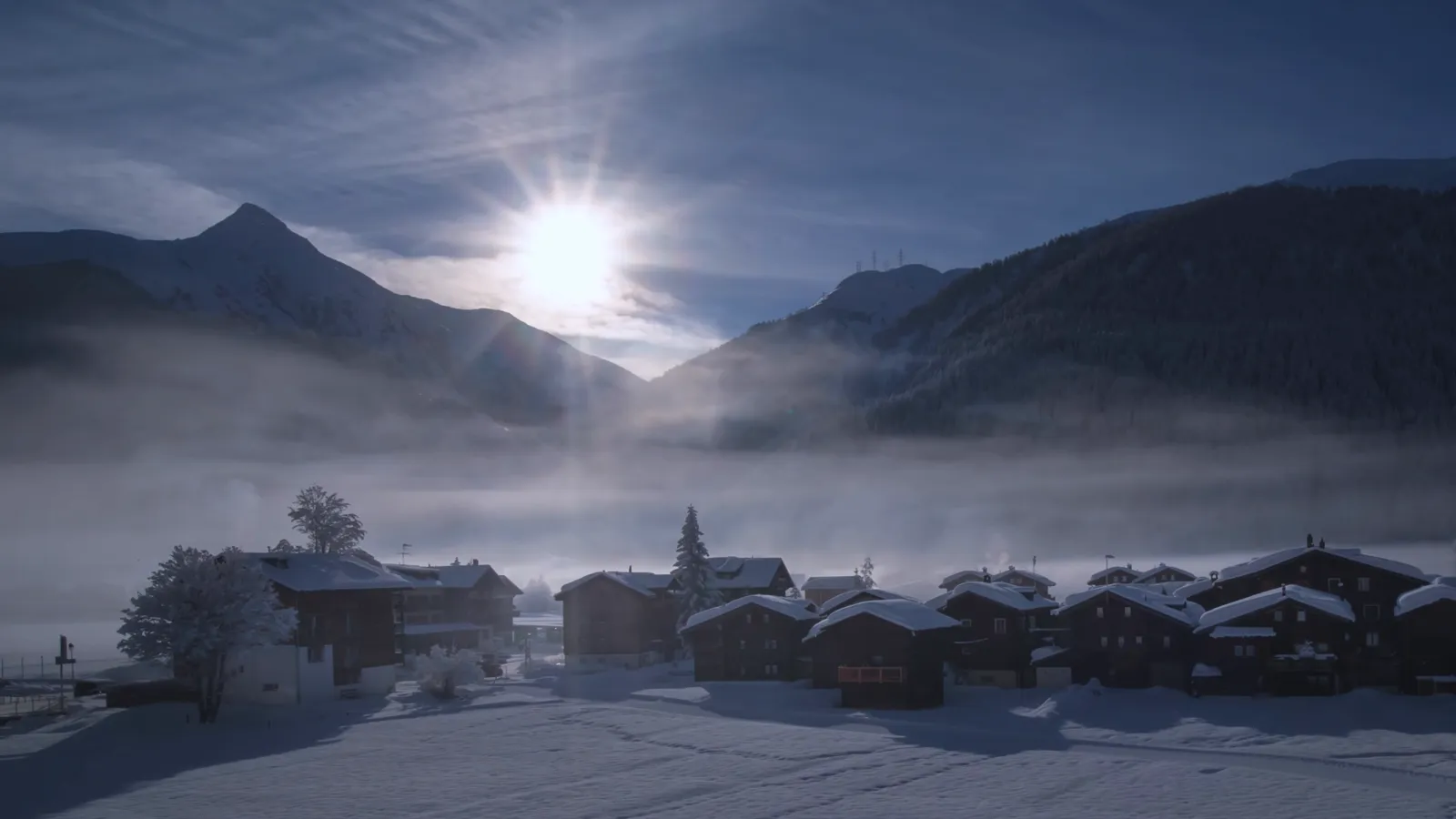
 Sat 19 Sep 9:41
Three steps. One window.
No editors to hunt for, no sheets stacked on sheets. Paste, trim, done.
Paste or search
Drop in a YouTube link, search straight from the app, or pick an MP4, MOV or photo from your Mac.
Trim the moment
Drag two handles to the seconds you love. Crop for 16:9, 21:9 or 32:9, and the loop crossfades itself smooth.
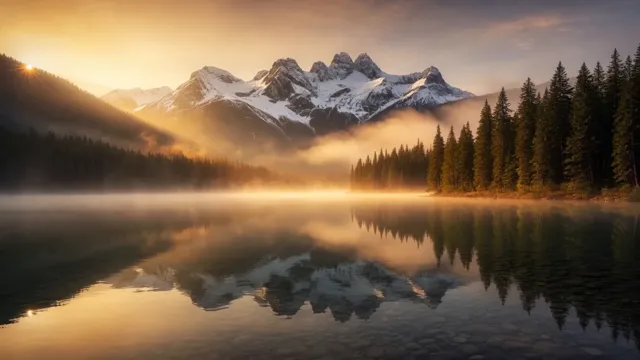
Set it — and forget it
One click puts it behind every Space. From then on it plays fully offline, no connection needed.
It fetches seconds, not hours.
An eight-hour 4K ambience stream? YT Wallpaper downloads only the slice you trimmed, at the best quality available, then re-encodes it to HEVC on your Mac’s media engine.
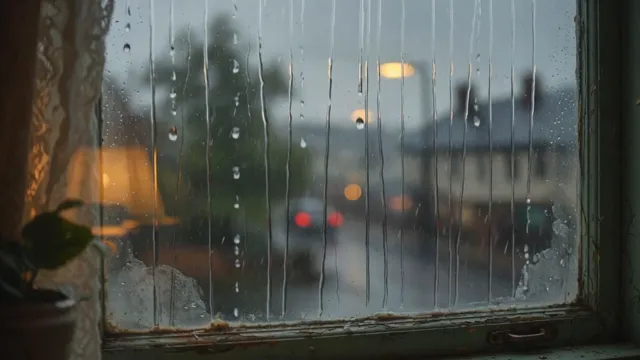
It knows when to stand still.
A live wallpaper you can’t see shouldn’t cost you anything. YT Wallpaper watches your desktop and your battery, and steps aside on its own — nothing to configure.
Every screen, its own view.
Each display gets its own wallpaper and pauses on its own when covered. Crops made for super-ultrawide, right up to 5120 × 1440.
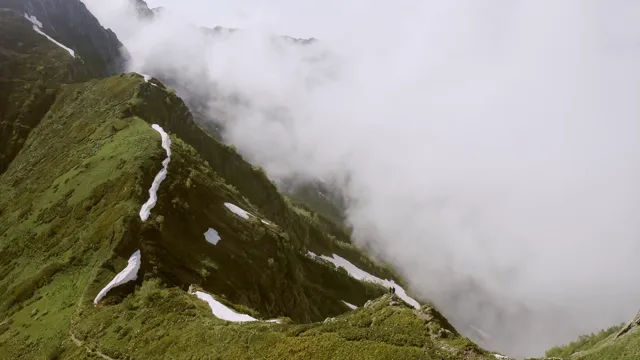
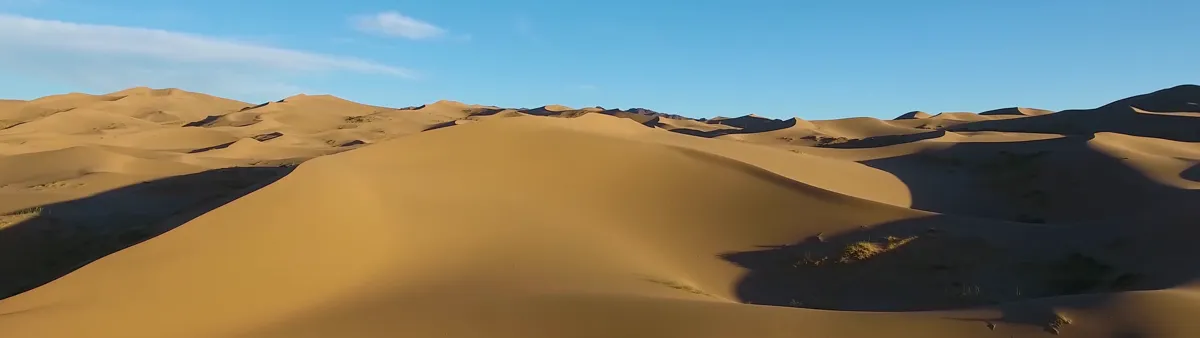
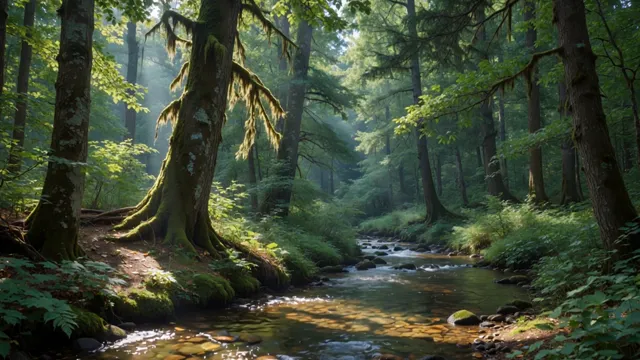
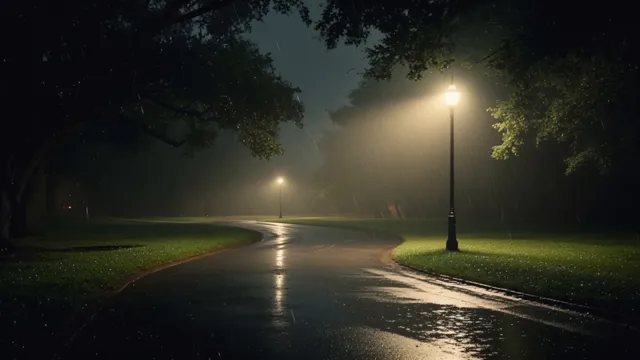
50 wallpapers, ready on day one.
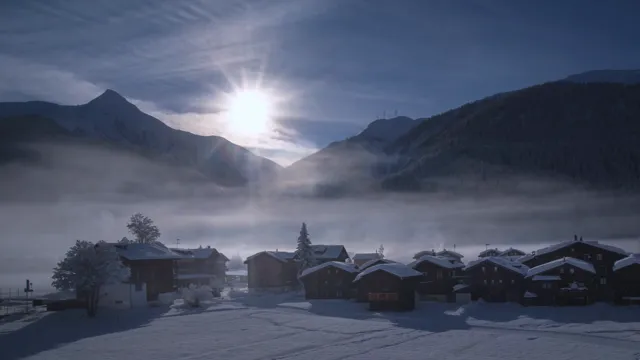
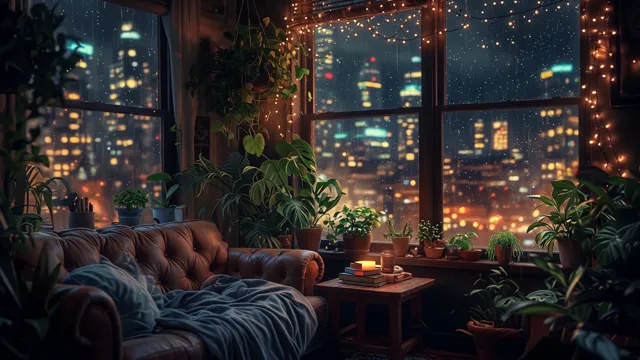
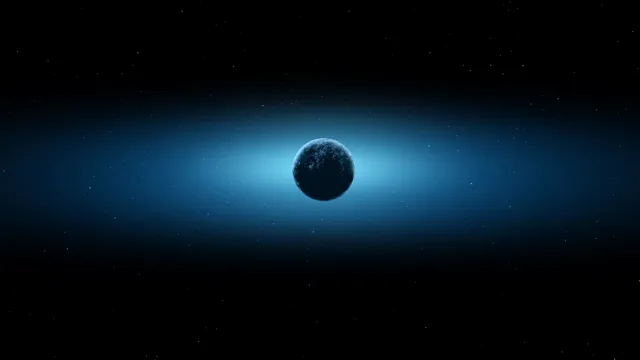
Your library, on every Mac.
Sign in once and your trims and saved videos follow you. See what each Mac is playing, and bring any of it home in a click.
Only the recipe is synced — the link and the seconds you chose. Your videos are never uploaded; each Mac fetches its own copy.
Sign in with Apple or Google inside the app
Lives in the menu bar
No Dock icon, no clutter. Pause, switch or open the library from four menu items — or start it with your Mac.
Updates itself, politely
Checks once a day in the background and waits for a quiet moment. Never interrupts a download or encoding in progress.
Leaves no trace
Quit — or even crash — and your original desktop picture comes right back. Optionally sets a matching still for the lock screen.
Good to know.
Will it drain my battery?
No more than a still picture when you can’t see it. Playback stops whenever the desktop is covered by windows, the Mac sleeps or locks, and on battery you choose between playing, a still frame, or stopping entirely.
Which Macs does it run on?
Macs with Apple silicon (M1, M2, M3, M4, M5) running macOS 13 Ventura or later. It is built natively for M-series chips, their GPU and hardware media engines.
Can I use my own videos and photos?
Yes — MP4 and MOV videos, plus PNG, JPEG, HEIC, WebP, TIFF, GIF and BMP stills, with Fill, Fit, Stretch, Center and Tile cover modes.
Do my videos get uploaded anywhere?
Never. Cloud Sync stores only the video link, title and the seconds you trimmed. Every Mac downloads and encodes its own copy locally.
How much does it cost?
YT Wallpaper is free. Both the macOS desktop app and the optional Cloud Sync account are provided free of charge for personal viewing.

Let your desktop breathe.
Free · Signed with Developer ID and notarized by Apple.
Coming soon to your Mac